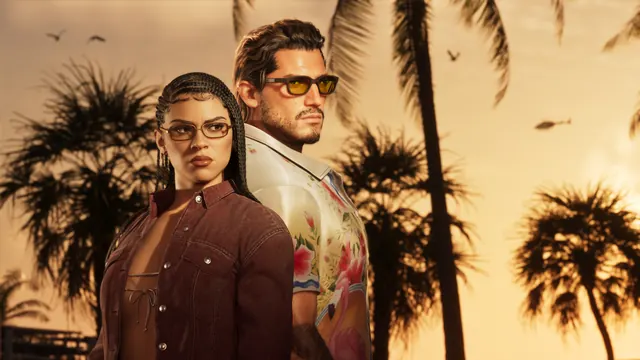
Players can frame screenshots using Photo Studio in the Options menu and stow up to five spare outfits in personal vehicle trunks to swap clothes and lose police Heat.
Two built-in utility features in Grand Theft Auto VI help with both photography and escaping law enforcement:
- Photo Studio (Photo Mode): Eurogamer notes that Photo Studio is accessed from the Options menu right above Settings (or via its button shortcut, outside the main progress menu). Inside Photo Studio, you can freely reposition the camera and adjust visual settings to capture posed shots with cars or scenes around Leonida, then share them via your platform's screenshot sharing tools.
- Storing Up to Five Outfits in Your Car Trunk: According to IGN and Eurogamer, keeping spare outfits in your personal vehicle lets you change appearance after police recognize your clothes. First ensure your personal vehicle is available (not impounded or severely damaged), then open any safehouse or clothing-store Wardrobe (clothes hanger icon). Under the Outfits tab, highlight a saved or named outfit and press
Square / Xon the Add to trunk prompt to store up to five outfits (marked by a car icon). The same prompt removes outfits later.
Sources
- Eurogamer eurogamer.net/how-to-use-photo-mode-gta-6 published 2026-11-19 · checked 2026-11-20
- Eurogamer eurogamer.net/gta-6-add-outfits-to-your-car published 2026-11-19 · checked 2026-11-20
- IGN ign.com/wikis/gta-6/How_to_Add_Outfits_to_Your_Car published 2026-11-19 · checked 2026-11-20
Last checked 2026-11-20. Written in our own words.